
Azure Functions Interview Questions with Real Project Examples
Version Info (April 2026): This post is written for Azure Functions runtime 4.x and the C# isolated worker model. For new serverless apps, I recommend thinking in terms of Flex Consumption first, then Premium for workloads that need warmer instances, stronger networking, or lower latency. I also discuss the event-based Blob trigger approach because that is the recommended direction for modern Azure Functions workloads.
SEO Title: Azure Functions Interview Questions with Real Project Examples for .NET Developers
Slug: azure-functions-interview-questions-real-project-examples
Meta Description: Prepare for Azure Functions interviews with real project examples covering timer trigger, queue trigger, blob trigger, retries, poison queue handling, cold start, hosting plans, and modern .NET isolated worker guidance.
Excerpt: In this post, I’m sharing practical Azure Functions interview questions with real project examples. I’ll cover timer triggers, queue triggers, blob triggers, retries, poison queues, cold start, and hosting decisions for modern .NET teams.
Focus Keyword: Azure Functions Interview Questions
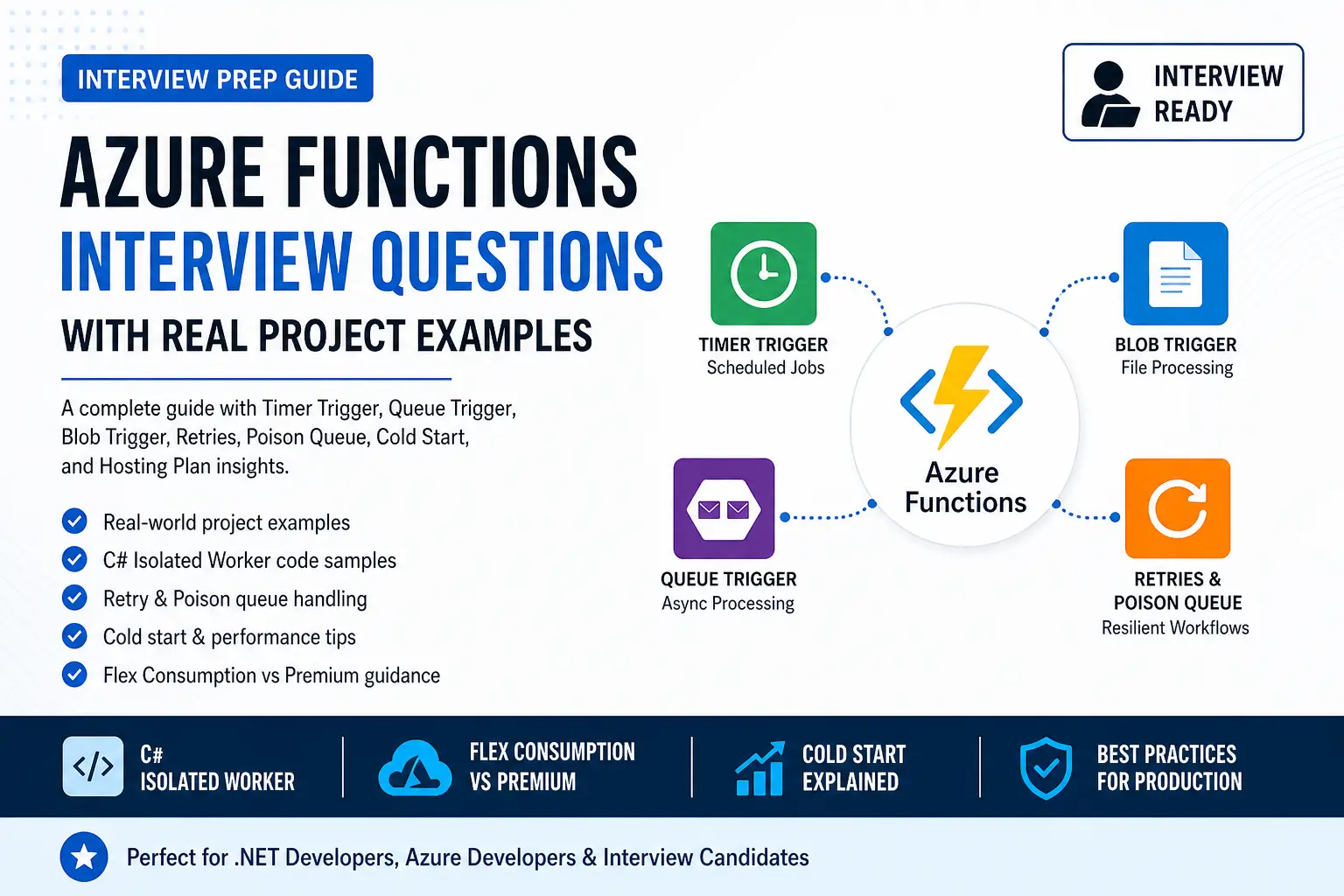
Who Should Read This: This article is useful for .NET developers, Azure developers, technical leads, cloud architects, and interview candidates who want to answer Azure Functions questions with practical examples instead of only textbook definitions.
Key Takeaways:
- Use timer triggers for scheduled jobs like nightly sync and cleanup.
- Use queue triggers for decoupled background processing such as order workflows.
- Use blob triggers for document and file-processing pipelines.
- Explain retries, poison messages, and idempotency clearly in interviews.
- Talk about cold start as a hosting and architecture decision, not just a coding issue.
- For new .NET work, prefer isolated worker and think carefully about Flex Consumption vs Premium.
Table of Contents
- Why Azure Functions matters in interviews
- 1. What is Azure Functions, and when would you use it?
- 2. Why do I prefer isolated worker in C#?
- 3. Timer trigger interview question with real project example
- 4. Queue trigger interview question with real project example
- 5. How retries work in Azure Functions
- 6. What is a poison queue?
- 7. Blob trigger interview question with real project example
- 8. How I explain cold start in interviews
- 9. Which hosting plan would I choose?
- 10. Common Azure Functions mistakes
- FAQ
Why Azure Functions matters in interviews
Azure Functions is one of those topics that gives a lot of Azure credibility in interviews.
Interviewers usually do not stop with, “What is Azure Functions?” They want to know whether I understand triggers, event-driven design, background processing, retries, poison handling, cold start, and hosting trade-offs. That is why I always prepare Azure Functions with real project examples.
In this post, I’m not just giving definitions. I’m showing how I would explain Azure Functions in a way that sounds practical and senior-level.
1. What is Azure Functions, and when would you use it?
Interview answer: Azure Functions is an event-driven serverless compute service that runs code in response to triggers like HTTP requests, timers, queue messages, and blob events. I use it when I want small, focused units of work that scale automatically and integrate well with Azure services.
I would typically use Azure Functions for:
- scheduled jobs
- background async processing
- file-processing workflows
- event-driven integrations
- lightweight APIs
A strong interview answer is not just “Azure Functions is serverless.” A stronger answer is:
“I use Azure Functions for timer-based jobs, queue-based async workflows, and document-processing pipelines. I also think about idempotency, retries, poison handling, and the right hosting plan.”
2. Why do I prefer the isolated worker model in C#?
Interview answer: For new Azure Functions projects in .NET, I prefer the isolated worker model because it aligns better with modern .NET, gives cleaner startup and dependency injection, and is the safer long-term choice for current development.
This is also a good place to sound current in interviews. Instead of speaking only about older models, I would clearly say that for new work I would choose isolated worker and avoid starting with the older in-process approach unless I am maintaining an existing application.
Interview tip: Saying “I would choose isolated worker for new development because it aligns with current Azure Functions direction and modern .NET practices” sounds much stronger than giving a generic answer.
3. Timer trigger interview question with real project example
Interview answer: I use a timer trigger when I need scheduled work such as nightly sync jobs, report generation, cleanup tasks, or periodic integrations.
Real project example: nightly pricing sync
A very believable interview example is a nightly pricing or reference-data sync.
“I used a timer-triggered function to run every night at 1 AM. It called an external pricing service, validated the response, updated database records, and logged the outcome for monitoring. I also made the process idempotent so reruns would not create duplicate updates.”
That one answer already shows scheduling, integration, validation, persistence, and production awareness.
Sample C# isolated code
using Microsoft.Azure.Functions.Worker;
using Microsoft.Extensions.Logging;

public class NightlyPricingSyncFunction
{
    private readonly ILogger<NightlyPricingSyncFunction> _logger;
    private readonly IPriceSyncService _priceSyncService;

    public NightlyPricingSyncFunction(
        ILogger<NightlyPricingSyncFunction> logger,
        IPriceSyncService priceSyncService)
    {
        _logger = logger;
        _priceSyncService = priceSyncService;
    }

    [Function("NightlyPricingSyncFunction")]
    public async Task RunAsync([TimerTrigger("0 0 1 * * *")] TimerInfo timer)
    {
        _logger.LogInformation("Pricing sync started at {time}", DateTime.UtcNow);
        await _priceSyncService.SyncAsync();
        _logger.LogInformation("Pricing sync completed at {time}", DateTime.UtcNow);
    }
}
4. Queue trigger interview question with real project example
Interview answer: I use a queue trigger when I want to decouple the user-facing request from slower background processing. This helps keep APIs responsive and makes the system more resilient.
Real project example: order processing
“When a customer submits an order, I do not want the API waiting for invoice generation, inventory updates, email notification, and third-party integration. So the API saves the order, pushes a message to a queue, and a queue-triggered function performs the background work asynchronously.”
This example is powerful in interviews because it shows:
- better API response time
- async architecture
- resilience
- scalability
Sample C# isolated code
using Microsoft.Azure.Functions.Worker;
using Microsoft.Extensions.Logging;

public class OrderQueueProcessor
{
    private readonly ILogger<OrderQueueProcessor> _logger;
    private readonly IOrderProcessingService _service;

    public OrderQueueProcessor(
        ILogger<OrderQueueProcessor> logger,
        IOrderProcessingService service)
    {
        _logger = logger;
        _service = service;
    }

    [Function("OrderQueueProcessor")]
    public async Task RunAsync([QueueTrigger("order-processing")] OrderMessage message)
    {
        _logger.LogInformation("Processing order {OrderId}", message.OrderId);
        await _service.ProcessAsync(message);
    }
}

public class OrderMessage
{
    public string OrderId { get; set; } = "";
    public string CustomerId { get; set; } = "";
    public decimal Amount { get; set; }
}
One sentence that makes this answer even stronger:
“I always make queue-triggered processing idempotent because retries can happen, and duplicate processing should not create incorrect business results.”
5. How retries work in Azure Functions
Interview answer: Retry behavior in Azure Functions depends on the trigger type. I do not explain retries as one generic feature. I explain them trigger by trigger.
For interviews, I usually explain it this way:
- Timer triggers: good for scheduled jobs and can participate in runtime retry behavior.
- Queue triggers: retry behavior comes from queue-processing semantics such as visibility timeout, dequeue count, and poison queue handling.
This answer is much more accurate and much more senior than saying, “Azure Functions just retries automatically.”
Example host.json for queue tuning
{
  "version": "2.0",
  "extensions": {
    "queues": {
      "visibilityTimeout": "00:00:30",
      "batchSize": 16,
      "maxDequeueCount": 5,
      "newBatchThreshold": 8
    }
  }
}
In interviews, I also say that retries should be paired with:
- idempotent logic
- logging and monitoring
- clear poison-message handling
- safe downstream integration design
6. What is a poison queue?
Interview answer: A poison queue is where repeatedly failing queue messages are moved after the configured retry limit is reached. It prevents bad messages from blocking or endlessly recycling in the main workflow.
This is a very practical concept to bring up in interviews.
“If one order message has invalid data and keeps failing, I do not want it blocking the entire background flow. I want it isolated into poison handling so the team can investigate it separately while valid messages continue processing.”
That shows operational maturity and production thinking.
7. Blob trigger interview question with real project example
Interview answer: I use a blob trigger for document-processing and file-processing pipelines. It is a natural fit when users or upstream systems upload files into storage and I want automatic downstream processing.
Real project example: uploaded document pipeline
“Users upload invoices, onboarding files, claim documents, or reports into Blob Storage. A blob-triggered function starts automatically, validates the file, extracts metadata, and then sends it for OCR, AI enrichment, or database persistence.”
This is a very good example for Azure credibility because it sounds like a real cloud workflow, not a classroom example.
Sample C# isolated code
using Microsoft.Azure.Functions.Worker;
using Microsoft.Extensions.Logging;

public class DocumentUploadProcessor
{
    private readonly ILogger<DocumentUploadProcessor> _logger;
    private readonly IDocumentService _documentService;

    public DocumentUploadProcessor(
        ILogger<DocumentUploadProcessor> logger,
        IDocumentService documentService)
    {
        _logger = logger;
        _documentService = documentService;
    }

    [Function("DocumentUploadProcessor")]
    public async Task RunAsync(
        [BlobTrigger("uploads/{name}", Source = BlobTriggerSource.EventGrid)] Stream blobStream,
        string name)
    {
        _logger.LogInformation("Processing uploaded blob {name}", name);
        await _documentService.ProcessAsync(name, blobStream);
    }
}
8. How I explain cold start in interviews
Interview answer: Cold start is the startup delay that happens when a serverless instance has to start after inactivity. I do not treat cold start only as a code problem. I treat it first as a hosting decision and then as a deployment optimization topic.
A strong way to say this in interviews is:
“For latency-sensitive workloads, I solve cold start first with the right hosting plan. Then I reduce unnecessary startup overhead in the application itself.”
This answer sounds architectural. It shows that I understand there is a difference between a low-cost background workload and a customer-facing latency-sensitive workload.
9. Which hosting plan would I choose?
Interview answer: I choose the hosting plan based on workload behavior, latency needs, networking requirements, and cost expectations.
My interview framing is usually:
- Flex Consumption: my starting point for most new serverless Azure Functions apps
- Premium: when I need lower latency, warmer instances, stronger networking, or more demanding enterprise behavior
- Dedicated/App Service plan: when I want fixed capacity, predictable billing, or I already have App Service infrastructure
This kind of answer sounds balanced and practical.
10. Common Azure Functions mistakes
These are the mistakes I would mention in interviews:
- using Azure Functions for everything instead of choosing the right service for the right workload
- forgetting idempotency in queue and blob processing
- not planning poison-message handling
- putting too many unrelated functions in the same function app
- choosing hosting plans based on outdated habits instead of current Azure guidance
When I say this in interviews, I sound much more like someone who has thought about operations and maintainability, not just written a demo.
My interview-ready summary answer
“I use Azure Functions for event-driven and background workloads such as scheduled sync jobs, async queue-based processing, and document-processing pipelines. For new .NET work, I prefer the isolated worker model. I design functions to be idempotent, plan for retries and poison handling, and choose the hosting plan based on latency, cost, networking, and workload behavior.”
FAQ
Is Azure Functions still relevant for .NET developers in 2026?
Yes. Azure Functions is still very relevant for event-driven, serverless, and background-processing workloads. What matters is using the current Azure Functions direction and speaking confidently about real project scenarios.
Should I still learn the older in-process C# model?
It is useful to understand it for maintenance work, but for new development I would focus much more on the isolated worker model.
What is the best real project example to discuss in interviews?
A queue-triggered order-processing workflow is one of the best examples because it demonstrates async architecture, scalability, retries, resilience, and downstream integration patterns all in one story.
How should I answer cold start questions well?
Explain cold start as a hosting and architecture decision first. Then talk about reducing application startup overhead and choosing the right plan for the workload.
FAQ Schema
<script type="application/ld+json">
{
  "@context": "https://schema.org",
  "@type": "FAQPage",
  "mainEntity": [
    {
      "@type": "Question",
      "name": "Is Azure Functions still relevant for .NET developers in 2026?",
      "acceptedAnswer": {
        "@type": "Answer",
        "text": "Yes. Azure Functions is still very relevant for event-driven, serverless, and background-processing workloads. Modern teams should focus on current Azure Functions direction, isolated worker, and real project scenarios."
      }
    },
    {
      "@type": "Question",
      "name": "Should I still learn the older in-process C# model?",
      "acceptedAnswer": {
        "@type": "Answer",
        "text": "It is useful to understand it for maintaining older applications, but for new development the isolated worker model is the stronger long-term choice."
      }
    },
    {
      "@type": "Question",
      "name": "What is the best real project example to discuss in Azure Functions interviews?",
      "acceptedAnswer": {
        "@type": "Answer",
        "text": "A queue-triggered order-processing workflow is one of the strongest examples because it shows asynchronous design, resilience, retries, poison handling, and downstream integration."
      }
    },
    {
      "@type": "Question",
      "name": "How should I answer cold start questions in interviews?",
      "acceptedAnswer": {
        "@type": "Answer",
        "text": "Explain cold start as both a hosting and architecture decision. Then discuss reducing startup overhead and choosing the right plan for workload needs."
      }
    }
  ]
}
</script>
Final Thoughts
If I want to sound strong in an Azure interview, I do not stop with definitions. I prepare real stories:
- timer trigger for nightly sync
- queue trigger for async background processing
- blob trigger for document workflows
- retry and poison handling for resilience
- cold start and hosting decisions for architecture credibility
That combination makes Azure Functions answers sound practical, current, and senior-level.
Recommended AI Tools & Resources
If you found this article useful, here are some AI tools and resources from AINexArch that can help you work faster and smarter:
- Best AI Writing Tools 2026 — top tools for writing, content, and productivity
- ChatGPT vs Claude 2026 — which AI is better for developers?
- Best Free AI Tools 2026 — powerful AI tools that cost nothing
- Best AI Tools for Content Creators 2026 — complete guide
If you create technical videos, tutorials, or podcast content alongside your development work, ElevenLabs is the best AI voice generator available in 2026. Turn your written content into professional audio in seconds.
👉 Try ElevenLabs Free — Best AI Voice Generator 2026
Disclosure: This article contains affiliate links. If you sign up through my link, I may earn a commission at no extra cost to you.