
App Service vs Azure Functions vs Container Apps for .NET Teams
Version Info: This article is written for modern .NET teams working on Azure with .NET 8, .NET 9, and .NET 10 style hosting decisions in mind.
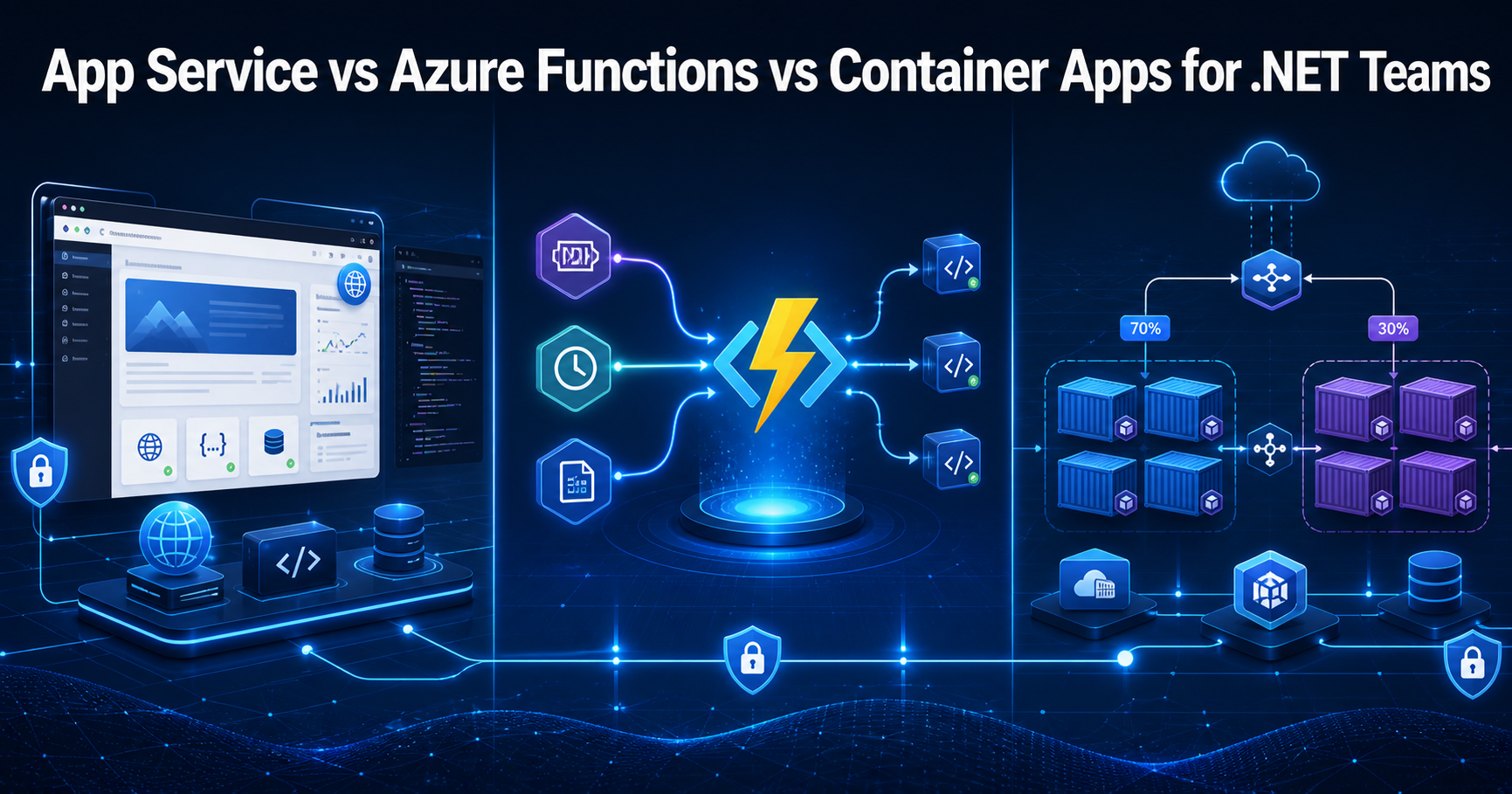
One of the most common Azure architecture questions I see from .NET teams is this: Should we use App Service, Azure Functions, or Azure Container Apps?
When comparing App Service vs Azure Functions vs Container Apps, I always start with the workload shape first, not with the trendiest platform.
At a high level, all three can host .NET workloads. But in real projects, they solve different problems. If we choose the wrong one too early, we usually create unnecessary complexity in scaling, deployment, operations, or cost.
For many architecture discussions, the real question is not just App Service vs Azure Functions vs Container Apps, but which hosting model best matches the application lifecycle, traffic pattern, and operational maturity of the team.
My practical answer: I usually choose App Service for standard web apps and APIs, Azure Functions for event-driven and bursty workloads, and Azure Container Apps when the team wants containers, microservices, workers, or cloud-native deployment flexibility without taking on AKS complexity.
Who Should Read This
- .NET developers moving applications to Azure
- Architects choosing the right hosting model for a new solution
- Teams comparing serverless, web app hosting, and container-based deployment options
- Developers preparing for Azure and .NET architecture interviews
Key Takeaways
- App Service is usually the easiest starting point for traditional ASP.NET Core web apps and APIs.
- Azure Functions is a great fit for queue-based, timer-based, blob-triggered, and event-driven workloads.
- Azure Container Apps is a strong choice for containers, workers, microservices, and modern distributed solutions.
- These services do not always compete with each other. In many real architectures, they work together.
- The right hosting choice depends more on workload behavior than on platform preference alone.
Table of Contents
- Why this choice matters
- App Service vs Azure Functions vs Container Apps: Quick Comparison
- When I choose Azure App Service
- When I choose Azure Functions
- When I choose Azure Container Apps
- Real project scenarios
- Common mistakes teams make
- Official Microsoft documentation
- App Service vs Azure Functions vs Container Apps: Which One Should .NET Teams Choose?
- FAQ
Why This Choice Matters
I have seen teams overcomplicate a simple application by containerizing too early. I have also seen teams push too much responsibility into Functions when the workload was really just a normal web API with a few background tasks.
The hosting decision affects much more than deployment. It affects scaling behavior, release strategy, cost model, networking approach, monitoring and support effort, and how much infrastructure knowledge the team needs.
If you are evaluating App Service vs Azure Functions vs Container Apps for a new .NET project, my advice is simple: choose the platform that matches how the workload behaves in production.
In real Azure solution design, App Service vs Azure Functions vs Container Apps is not just a hosting comparison. It is really a question about operational simplicity, scaling style, and how your .NET workload behaves under real production traffic.
App Service vs Azure Functions vs Container Apps: Quick Comparison
| Service | Best For | What I Like | What to Watch |
|---|---|---|---|
| Azure App Service | Web apps, portals, APIs, line-of-business apps | Simple deployment, strong PaaS experience, deployment slots, lower operational overhead | Less flexible than container-native platforms for multi-service systems |
| Azure Functions | Event-driven processing, timers, queues, blobs, bursty workloads | Trigger-based execution model, efficient for irregular traffic, clean fit for asynchronous processing | Can become awkward if used for large traditional applications |
| Azure Container Apps | Containers, microservices, workers, jobs, internal APIs | Revisions, traffic splitting, scale-friendly cloud-native model, good middle ground before AKS | Requires more container maturity than App Service |
When I Choose Azure App Service
If I am building a standard ASP.NET Core application, App Service is still one of the strongest default choices in Azure.
This includes customer-facing web applications, internal portals, admin dashboards, REST APIs, and frontend plus backend business applications.
Why App Service is a strong default
- Easy deployment from common CI/CD pipelines
- Good fit for ASP.NET Core APIs and web apps
- Deployment slots help reduce release risk
- Custom domains and certificates are straightforward
- The team can focus more on application code and less on infrastructure complexity
Real example
Suppose my team is building an enterprise claims system with an ASP.NET Core API, Angular frontend, Azure SQL database, Entra ID authentication, and moderate predictable traffic.
In that case, I would usually start with Azure App Service. The application is fundamentally still a web application, and I do not need containers just to make it look modern.
When I Choose Azure Functions
Azure Functions becomes the right answer when the workload is naturally event-driven.
I think about Functions when requirements sound like this:
- When a file is uploaded, process it
- When a message arrives, run business logic
- Run this every 15 minutes
- Trigger this from Event Grid or Service Bus
- Handle bursty background workloads efficiently
Where Functions shines
- Blob processing
- Queue-based workflows
- Scheduled jobs
- Event-driven integrations
- Webhook handlers
- Asynchronous background automation
Real example
Let’s say a healthcare workflow uploads documents to storage, pushes metadata into a queue, extracts data, saves processed output, and sends notifications.
That is a classic Functions-friendly design. I would strongly consider blob-triggered or event-triggered processing, queue consumers for asynchronous work, timer-triggered cleanup jobs, and small HTTP endpoints for callbacks or status.
For most teams evaluating App Service vs Azure Functions vs Container Apps, the best decision comes from understanding whether the application is a standard web API, an event-driven background workflow, or a container-based distributed system.
When I Choose Azure Container Apps
Azure Container Apps is the option I reach for when the team wants the benefits of containers and cloud-native deployment patterns, but does not want the heavier operational model of Kubernetes.
I typically choose Container Apps when I have multiple services with independent deployment needs, worker services and APIs together, containerized background jobs, mixed traffic patterns across services, revision-based rollout needs, and cloud-native deployment and scaling goals.
Why I like Container Apps
- Good fit for microservices without jumping straight to AKS
- Supports containerized APIs and workers in one platform model
- Useful for blue-green and controlled rollout strategies
- Works well when services need different scaling behavior
- Feels more natural for modern distributed systems
Real example
Imagine a retail platform with a customer API, pricing worker, order processing service, notification service, and async consumers. That is where I start leaning toward Azure Container Apps.
I get a better home for containerized services, background workers, and independent rollout patterns without forcing the whole team into a full Kubernetes platform too early.
Real Project Scenarios: What I Would Choose
Scenario 1: Internal business portal
My choice: Azure App Service
Reason: The application is mainly a web app and API. I want faster delivery, lower operational friction, and a clean PaaS experience.
Scenario 2: File upload processing and scheduled automation
My choice: Azure Functions
Reason: The workload is event-driven and asynchronous. The trigger model fits the requirement naturally.
Scenario 3: Microservices-based order platform
My choice: Azure Container Apps
Reason: Multiple services, different scale behaviors, container-based deployment, and safer rollout patterns make Container Apps a better fit.
Scenario 4: Standard ASP.NET Core API with moderate traffic
My choice: Azure App Service
Reason: I would avoid introducing container complexity unless I actually need container-native behavior.
Scenario 5: Bursty integration workload reacting to queues and storage events
My choice: Azure Functions
Reason: This is exactly the kind of workload where event-based execution makes the most sense.
Scenario 6: API plus worker plus scheduled job plus async consumer
My choice: Azure Container Apps
Reason: This mixed workload usually benefits from a container-native model more than forcing everything into a single App Service deployment.
Decision Matrix
| If your workload looks like this... | I would usually choose... |
|---|---|
| ASP.NET Core web app or API | App Service |
| Queue, blob, timer, event-driven logic | Azure Functions |
| Containerized services and workers | Container Apps |
| Simple business app with fast time-to-market needs | App Service |
| Bursty serverless background work | Azure Functions |
| Microservices without AKS complexity | Container Apps |
My usual recommendation when comparing App Service vs Azure Functions vs Container Apps is to keep the first version of the architecture simple, then move to a more distributed model only when the workload truly needs it.
Common Mistakes Teams Make
1. Containerizing too early
Not every .NET application needs containers on day one. If the app is still a standard web application, App Service is often the cleaner and faster answer.
2. Using Functions for everything
Functions is powerful, but it is best when the workload is naturally event-driven. Forcing a traditional application into it can create complexity instead of reducing it.
3. Ignoring operational maturity
Container Apps is easier than full Kubernetes, but it still expects more container discipline than App Service. The right platform depends on team readiness too.
4. Choosing based only on trend value
The best platform is not the most fashionable one. It is the one that matches the workload and the team.
Official Microsoft Documentation
App Service vs Azure Functions vs Container Apps: Which One Should .NET Teams Choose?
If I had to summarize my decision approach in one line, I would say this:
Use App Service for web apps, Azure Functions for event-driven workloads, and Azure Container Apps for containerized services.
That simple framing works very well in real project discussions.
I also want to be clear that these services are not mutually exclusive. In a practical Azure solution, it is completely normal to combine them:
- App Service for the main customer-facing API
- Azure Functions for background event processing
- Azure Container Apps for internal workers or microservices
That is often the most realistic answer for growing .NET systems.
Related Articles
- Azure Functions Interview Questions with Real Project Examples
- Azure Storage Interview Questions for .NET Developers in 2026
- HybridCache in .NET: When and Why to Use It
- What’s New in .NET 10 for Senior Developers
FAQ
Is Azure App Service better than Azure Functions?
Not universally. App Service is usually better for standard web apps and APIs, while Azure Functions is usually better for event-driven, scheduled, or asynchronous workloads.
When should a .NET team choose Azure Container Apps?
I would choose Azure Container Apps when the team wants containers, microservices, worker services, jobs, or more cloud-native deployment flexibility without moving to AKS.
Can these Azure services be used together?
Yes. In many real Azure solutions, App Service, Azure Functions, and Azure Container Apps complement each other rather than compete with each other.
What is the safest starting point for many ASP.NET Core business apps?
In many cases, App Service is the safest and simplest starting point because it gives a managed hosting model with less operational friction.
Final Thoughts
I like keeping hosting decisions practical. If the workload is a normal web app, I do not overcomplicate it. If it is event-driven, I let Functions do what it is good at. If the system is becoming more distributed and container-focused, I move toward Container Apps.
The best architecture choice is not the most fashionable one. It is the one that matches the workload, the team, and the next stage of growth.
Recommended AI Tools & Resources
If you found this article useful, here are some AI tools and resources from AINexArch that can help you work faster and smarter:
- Best AI Writing Tools 2026 — top tools for writing, content, and productivity
- ChatGPT vs Claude 2026 — which AI is better for developers?
- Best Free AI Tools 2026 — powerful AI tools that cost nothing
- Best AI Tools for Content Creators 2026 — complete guide
If you create technical videos, tutorials, or podcast content alongside your development work, ElevenLabs is the best AI voice generator available in 2026. Turn your written content into professional audio in seconds.
👉 Try ElevenLabs Free — Best AI Voice Generator 2026
Disclosure: This article contains affiliate links. If you sign up through my link, I may earn a commission at no extra cost to you.