
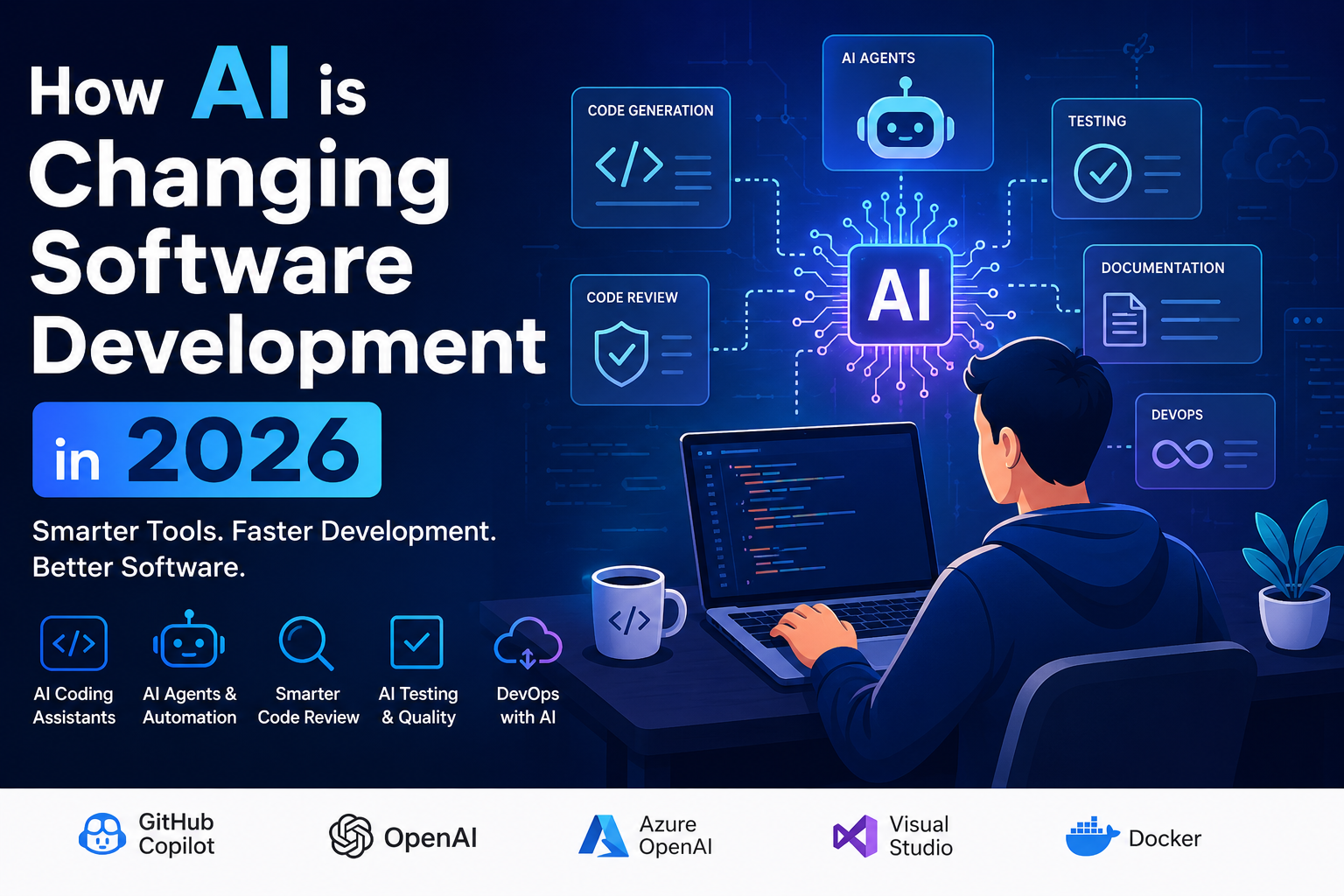
Quick summary: AI is changing software development by helping developers write code faster, review code, generate tests, explain legacy systems, improve documentation, automate DevOps tasks, and build AI-powered applications. But human review, architecture judgment, security awareness, and debugging skills are still essential.
Who Should Read This?
- Software developers learning how AI affects coding and delivery
- .NET, Azure, Angular, React, JavaScript, and full-stack developers
- Technical leads and architects planning AI-enabled development workflows
- Developers preparing for interviews in 2026
- Teams exploring AI coding assistants, AI agents, DevOps automation, and RAG applications
Key Takeaways
- AI is becoming part of the full software development lifecycle, not just coding.
- AI coding assistants help with code generation, explanation, refactoring, and documentation.
- AI agents are moving beyond autocomplete into task-based software engineering workflows.
- Testing, code review, security, and production support still need strong human judgment.
- Developers who combine AI skills with architecture, cloud, DevOps, and clean coding practices will have an advantage.
Table of Contents
- 1. AI Coding Assistants Are Becoming Everyday Tools
- 2. AI Agents Are Changing Developer Workflows
- 3. AI Is Improving Code Review, But Not Replacing It
- 4. AI Is Helping Developers Write Tests Faster
- 5. AI Is Making Debugging and Legacy Code Easier
- 6. AI Is Changing Technical Documentation
- 7. AI Is Supporting DevOps and CI/CD Workflows
- 8. AI Is Changing Software Architecture Decisions
- 9. Developer Skills Are Changing, Not Disappearing
- Risks of Using AI in Software Development
- What Developers Should Learn in 2026
- FAQ
1. AI Coding Assistants Are Becoming Everyday Tools
One of the biggest ways AI is changing software development in 2026 is through AI coding assistants. Tools such as GitHub Copilot, ChatGPT, Claude, Gemini, and other coding-focused assistants can help developers generate code, explain code, refactor methods, create examples, and suggest improvements. Developers can use AI coding assistants for tasks such as:- Generating boilerplate code
- Writing unit test examples
- Explaining unfamiliar code
- Refactoring long methods
- Creating SQL queries
- Generating API request and response examples
- Writing documentation comments
- Creating regular expressions or validation logic
2. AI Agents Are Changing Developer Workflows
In 2026, AI is moving from simple code completion to agent-style development workflows. AI agents can take a task, inspect context, suggest changes, generate code, update files, and sometimes create pull requests. This is different from asking an AI tool for a single code snippet. Agentic development is more task-oriented. For example, a developer may ask an AI agent to:- Add validation to an API endpoint
- Create unit tests for a service class
- Refactor a component into smaller files
- Find where a bug may be happening
- Update documentation after a code change
- Generate a draft pull request description
3. AI Is Improving Code Review, But Not Replacing It
Code review is another area where AI is changing software development in 2026. AI tools can help identify potential issues, summarize pull requests, suggest improvements, and explain complex changes. AI can support code review by checking for:- Missing null checks
- Possible security issues
- Repeated code
- Long or complex methods
- Inconsistent naming
- Missing tests
- Potential performance problems
4. AI Is Helping Developers Write Tests Faster
Testing is one of the best practical uses of AI in software development. Developers can use AI to generate unit test cases, integration test ideas, mock data, edge cases, and test descriptions. AI can help create tests for:- API endpoints
- Service classes
- Business rules
- Validation logic
- Error handling
- Boundary conditions
- Frontend components
5. AI Is Making Debugging and Legacy Code Easier
AI is also useful for debugging and understanding legacy code. Developers can paste error messages, stack traces, logs, or confusing code sections and ask AI to explain possible causes. This can help with:- Understanding old code written by another team
- Explaining complex SQL queries
- Finding possible causes of runtime errors
- Reviewing exception messages
- Understanding configuration issues
- Explaining unfamiliar libraries or frameworks
6. AI Is Changing Technical Documentation
Documentation is often skipped or delayed in software teams. AI can help by generating first drafts of technical documentation, API summaries, release notes, architecture notes, and onboarding guides. Developers can use AI to create:- README files
- API documentation
- Pull request summaries
- Architecture decision records
- Release notes
- Deployment steps
- Troubleshooting guides
7. AI Is Supporting DevOps and CI/CD Workflows
AI is also becoming useful in DevOps. Developers and DevOps engineers can use AI to understand build failures, generate pipeline templates, explain deployment errors, and improve monitoring queries. AI can help with:- Creating YAML pipeline examples
- Explaining CI/CD build failures
- Writing deployment checklists
- Generating rollback plans
- Creating log queries
- Summarizing production incidents
- Drafting post-incident review notes
8. AI Is Changing Software Architecture Decisions
AI is not only changing how developers write code. It is also changing what kinds of applications teams are building. Many modern applications now include AI features such as chat interfaces, document search, summarization, recommendations, and natural language workflows. Architects now need to think about:- AI API provider selection
- Model cost and latency
- Prompt design and versioning
- Data privacy and security
- RAG architecture
- Vector databases and embeddings
- Evaluation and quality testing
- Monitoring AI outputs
- Fallback and retry strategies
9. Developer Skills Are Changing, Not Disappearing
A common fear is that AI will replace software developers. In reality, AI is changing the developer role. The most valuable developers will be the ones who can combine AI tools with strong engineering judgment. Developers still need strong skills in:- Problem solving
- System design
- Clean code
- Debugging
- Testing
- Security
- Cloud architecture
- Data modeling
- API design
- Production support
Risks of Using AI in Software Development
While AI is useful, it also introduces risks. Teams should not blindly accept AI-generated code or architecture suggestions.Incorrect Code
AI can generate code that compiles but does not meet the actual requirement. It may miss edge cases, misunderstand business rules, or use outdated patterns.Security Issues
AI-generated code may accidentally include insecure practices such as weak validation, exposed secrets, unsafe SQL patterns, or poor authentication handling.Overconfidence
AI responses can sound confident even when they are wrong. Developers should verify answers using documentation, tests, logs, and code review.Code Quality Problems
AI can generate verbose, duplicated, or poorly structured code if the prompt is unclear. Developers must still apply clean code principles.Data Privacy Concerns
Teams must be careful when sharing private code, customer data, credentials, production logs, or internal documents with AI tools.What Developers Should Learn in 2026
To stay relevant, developers should learn how to work with AI instead of avoiding it. The goal is not to become dependent on AI, but to become better at using AI responsibly.- Prompting for developers: Learn how to ask clear, specific, technical questions.
- AI-assisted coding: Use AI for examples, refactoring, tests, and explanations.
- Code review with AI: Use AI as a second reviewer, not the final decision-maker.
- Testing AI-generated code: Validate behavior with unit, integration, and regression tests.
- AI APIs: Learn how to call OpenAI, Azure OpenAI, Claude, Gemini, or other AI APIs.
- RAG architecture: Learn how to connect AI models with private documents and search.
- AI security: Understand data privacy, prompt injection, secrets, and access control.
- Observability: Monitor latency, cost, errors, token usage, and output quality.
Practical Example: AI in a Developer Workflow
A modern developer workflow may look like this:- The developer reads a requirement or user story.
- AI helps break the work into technical tasks.
- The developer designs the API, database changes, and architecture approach.
- AI generates a first version of the code or test cases.
- The developer reviews, edits, debugs, and improves the code.
- AI helps create documentation and pull request summaries.
- Automated tests, code review, security checks, and CI/CD pipelines validate the change.
- The team monitors production logs, metrics, and user feedback after release.
Official Resources
Developers can explore official resources to learn more about AI-assisted development and AI application building.- GitHub Copilot documentation
- OpenAI Developer Platform
- Azure OpenAI Service documentation
- Google AI for Developers
- Anthropic Claude documentation
Why This Matters for Developers in 2026
How AI is Changing Software Development in 2026 is important because developers are no longer using AI only for quick code suggestions. AI is now becoming part of planning, coding, testing, reviewing, documenting, deploying, and supporting software systems. The real impact of How AI is Changing Software Development in 2026 is not that developers stop thinking. The impact is that developers can work faster when they combine AI tools with strong architecture, debugging, testing, and security skills.Final Thoughts
How AI is Changing Software Development in 2026 is not just about faster code generation. AI is changing planning, coding, testing, debugging, documentation, DevOps, architecture, and production support. The best developers will not be the ones who blindly copy AI-generated code. The best developers will be the ones who know how to use AI tools while still applying engineering fundamentals, architecture judgment, security awareness, and testing discipline. AI is becoming a powerful assistant in software development. But the responsibility for building reliable, secure, and maintainable software still belongs to developers and engineering teams. Continue learning on the Learn page or explore practical resources on the AI Tools page.FAQ: How AI is Changing Software Development in 2026
How is AI changing software development in 2026?
AI is changing software development by helping developers generate code, write tests, review pull requests, explain legacy code, create documentation, automate DevOps tasks, and build AI-powered applications.Will AI replace software developers?
AI may automate some repetitive coding tasks, but it does not replace the need for developers. Developers are still needed for problem solving, architecture, debugging, security, testing, production support, and business understanding.What are AI coding assistants?
AI coding assistants are tools that help developers write, explain, refactor, and review code. They can suggest code snippets, generate tests, explain errors, and help with documentation.What are AI agents in software development?
AI agents are systems that can work on multi-step development tasks, use tools, inspect context, generate code, and sometimes create pull requests or workflow updates.Is AI-generated code safe?
AI-generated code is not automatically safe. Developers must review it for correctness, security, performance, maintainability, and alignment with business requirements.What should developers learn because of AI?
Developers should learn AI-assisted coding, prompt engineering, AI APIs, RAG architecture, testing AI-generated code, security risks, observability, and responsible AI practices.How can .NET developers use AI in software development?
.NET developers can use AI for code generation, API design, unit tests, documentation, Azure OpenAI integration, RAG applications, production support analysis, and AI-powered business applications.Recommended AI Tools & Resources
If you found this article useful, here are some AI tools and resources from AINexArch that can help you work faster and smarter:
- Best AI Writing Tools 2026 — top tools for writing, content, and productivity
- ChatGPT vs Claude 2026 — which AI is better for developers?
- Best Free AI Tools 2026 — powerful AI tools that cost nothing
- Best AI Tools for Content Creators 2026 — complete guide
If you create technical videos, tutorials, or podcast content alongside your development work, ElevenLabs is the best AI voice generator available in 2026. Turn your written content into professional audio in seconds.
👉 Try ElevenLabs Free — Best AI Voice Generator 2026
Disclosure: This article contains affiliate links. If you sign up through my link, I may earn a commission at no extra cost to you.